Phantom Blade Zero Best PC Settings for High FPS
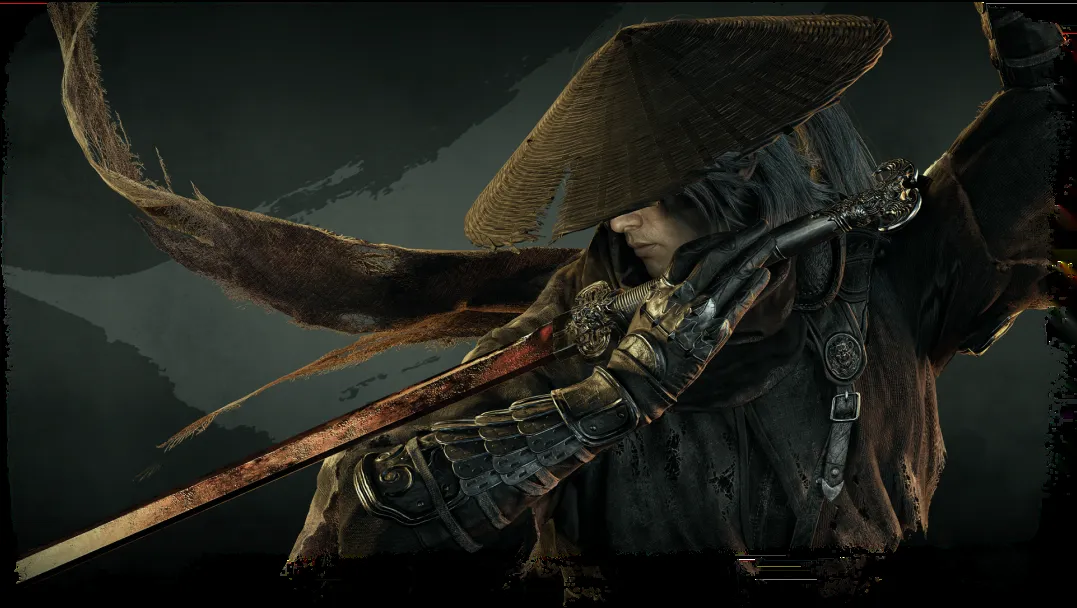
Phantom Blade Zero is out on PC, and because it runs on Unreal Engine 5, the right settings make a big difference to frame rate. Benchmark sites and the developer agree on a few simple rules, which are collected here. Check the PC requirements and India price first if you are unsure your rig qualifies.
- Pick Very High instead of Ultra: testers found the two look nearly identical.
- Use DLSS, FSR or XeSS on Quality or Balanced instead of native resolution.
- Ray tracing is optional; path tracing is best kept for RTX 4090/5090 class cards.
- Turn Motion Blur off if you use frame generation.
- Let shaders finish compiling on first launch and install the day-one patch.
Which graphics preset should you use?
WCCFTech measured the presets step by step. Going from Medium to High costs roughly 14% of your FPS and gives a clear jump in lighting and textures. Very High costs another 15%. Ultra adds only a 6-7% drop for a slightly better image. Because the visual gap between Very High and Ultra is tiny, Very High is the sensible default for most players, as fpsgen also advises.
Should you turn on DLSS, FSR or XeSS?
Yes. The game offers DLSS, FSR, XeSS and TSR. On NVIDIA cards, DLSS defaults to Balanced; Quality is a good choice if you have headroom. ComputerBase rated DLSS 4.5 as the best-looking option with stable vegetation and rain, while FSR 4.1 was also well liked by readers in its poll. The developer's own performance targets assume upscaling is switched on, so avoid playing at native resolution on a mid-range card. Keep Performance and Ultra Performance for emergencies, since fine detail like hair and armor gets softer.
Is ray tracing or path tracing worth it?
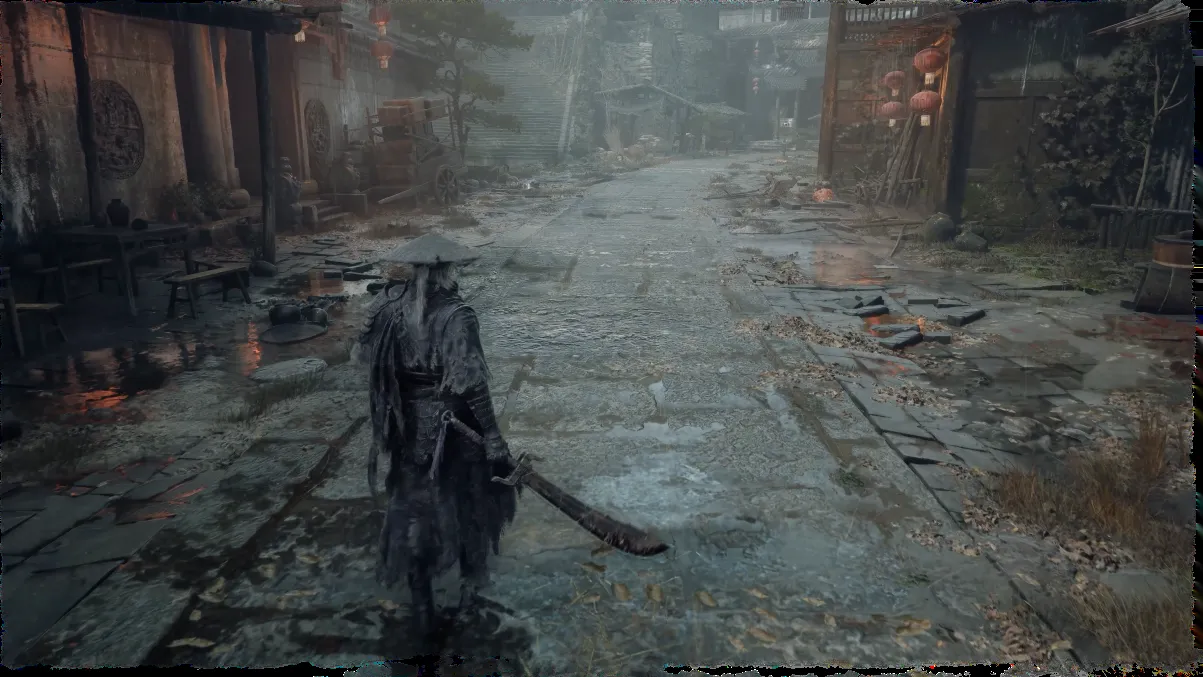
WCCFTech reports that ray tracing costs about 20-22% versus native Ultra, and path tracing takes another 35-40% off compared with ray tracing, about 50% in total versus Ultra. DSOGaming says path tracing makes the game look among the best on PC, but ixbt's tests found even an RTX 5090 averaged about 27 FPS at native 4K Ultra with path tracing, while DLSS gets it to 60 FPS and frame generation beyond 100. For most players, ray tracing off gives the smoothest fights.
What about frame generation and motion blur?
Frame generation helps only when your base frame rate is already steady. DSOGaming traced visible artifacts mainly to the Motion Blur setting, so switch it off if you use frame generation. NVIDIA Reflex set to enable automatically is a safe choice for responsive combat.
Which NVIDIA driver should you install?
Reports differ on this. One guide says driver 621.01 or newer is recommended, while another citing S-GAME says the studio saw unstable performance on 621.01 and suggests a clean rollback to 617.42 until NVIDIA's next driver. If you hit stutter or flickering light, try that rollback and turn ray tracing off first.
How long is the first-launch shader compile?
Players report waiting roughly 15 to 35 minutes the first time, per one performance guide. Let it finish rather than quitting. Also install the roughly 5 GB day-one patch, which S-GAME says improves ray tracing and path tracing performance.
How does it run on weaker PCs and handhelds?
Sportskeeda reports stable 90 FPS at 1080p on an older GPU, and 16GB RAM is needed even for minimum settings. Players cite an RX 570 with low settings and FSR at 50-60 FPS and an RTX 2060 at 1440p Medium. fpsgen says the Steam Deck stays below 30 FPS even at the lowest settings. On consoles, Digital Foundry recommends the PS5 performance mode; see our review roundup for how critics rated it.
Recommended settings summary
| Setting | Suggestion |
|---|---|
| Preset | Very High |
| Upscaling | DLSS/FSR/XeSS Quality or Balanced |
| Ray tracing | Off, or on for high-end GPUs |
| Path tracing | RTX 4090/5090 only |
| Motion blur | Off |
| High-Quality Hair | Off if you need FPS |
Frequently asked questions
What are the best Phantom Blade Zero PC settings?
Very High preset, DLSS/FSR/XeSS on Quality or Balanced, ray tracing off for max FPS, and motion blur off.
Does Phantom Blade Zero support path tracing?
Yes. It costs a lot of performance, so it suits RTX 4090/5090 class GPUs with DLSS.
Can the Steam Deck run Phantom Blade Zero?
One guide (fpsgen) says it runs below 30 FPS even at the lowest settings.
Why is the first launch slow?
The game compiles shaders; players report 15 to 35 minutes. Let it finish.
More from GameDrop
- Breaking: The Duskbloods Delayed to 2027 on Switch 2
- Breaking: PUBG Netflix Series Announced With Donald Glover
- Breaking: Petit Planet Release Date Set for Dec 4
WCCFTech benchmarks
fpsgen guide
Sportskeeda
Digital Foundry
Images belong to their respective owners and are used for news reporting and commentary.