Gears of War: E-Day PC Requirements and Best Settings
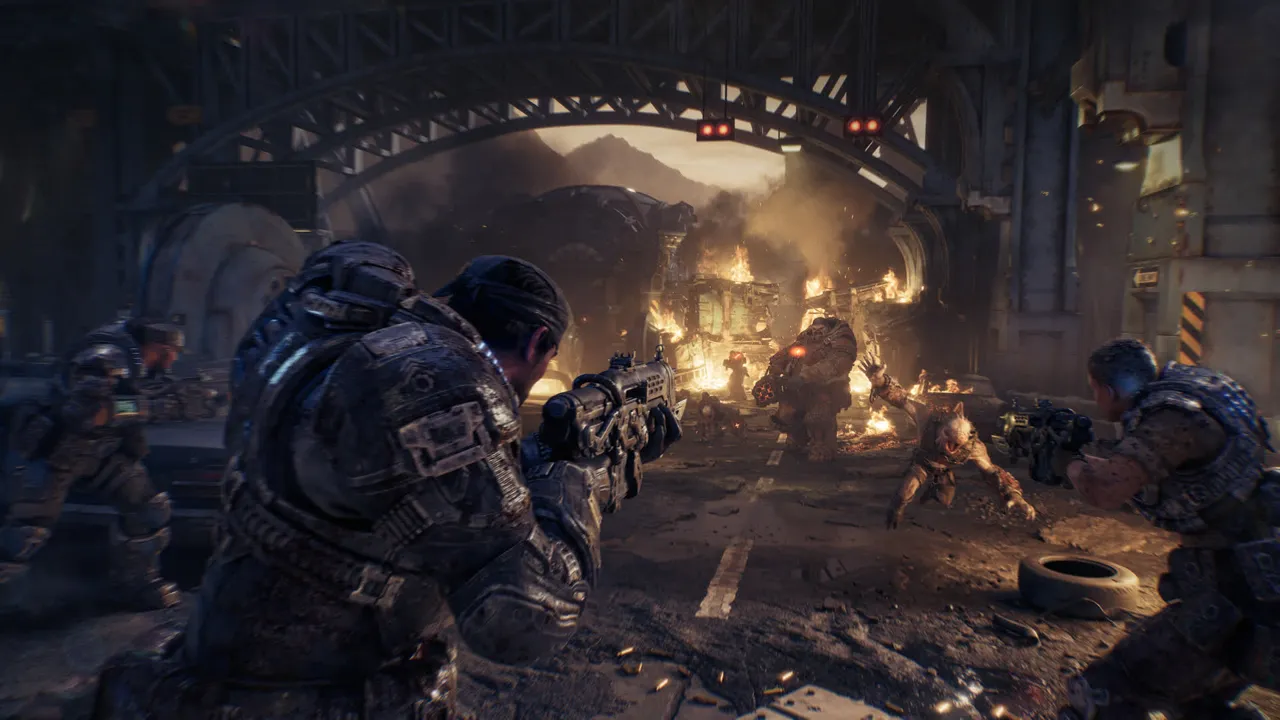
Gears of War: E-Day is on PC, and it is stricter than most 2026 releases: it needs a ray-tracing GPU and an SSD even at minimum. Here are the official requirements, the settings that give the most FPS, and fixes for stutter.
- Minimum: Ryzen 5 2600X or Core i5-10400, 12 GB RAM, RTX 2060 / RTX 5050 / RX 6600 / RX 9060 for 1080p 60 FPS on Medium.
- Recommended: Ryzen 5 5600 or i5-11600K, 16 GB RAM, RTX 3060 Ti / RTX 5060 / RX 6700 XT / RX 9060 XT for 1440p 60 FPS on High.
- Ultra: RTX 5070 Ti or RX 7900 XT for 4K 60 FPS with upscaling.
- Storage: 115 GB on an SSD (Steam listing). GTX cards cannot run it.
What are the Gears of War: E-Day PC requirements?
| Minimum | Recommended | Ultra | |
|---|---|---|---|
| Target | 1080p, 60 FPS, Medium | 1440p, 60 FPS, High | 4K, 60 FPS, Ultra |
| CPU | Ryzen 5 2600X / i7-6850K / i5-10400 | Ryzen 5 5600 / i5-11600K | Ryzen 7 7800X3D / i7-14700K |
| GPU | RTX 5050 / RTX 2060 / RX 6600 / RX 9060 | RTX 5060 / RTX 3060 Ti / RX 6700 XT / RX 9060 XT | RTX 5070 Ti / RX 7900 XT |
| VRAM | 6 GB | 8 GB | 12 GB |
| RAM | 12 GB | 16 GB | 16 GB |
| OS | Windows 10 22H2 (build 19045.7291) | Windows 11 25H2 or newer | Windows 11 25H2 or newer |
| Storage | 115 GB SSD | 115 GB SSD | 115 GB SSD |
Per TechSpot and GameSpot, every tier assumes upscaling, so the 60 FPS targets are not native resolution. Early listings in June said 130 GB; the final figure on Steam is 115 GB, and Intel Arc cards were dropped from the final list.
Can I run Gears of War: E-Day on a GTX card?
No. The Steam page says a hardware ray-tracing capable GPU is required to run the game at all, not just to unlock a setting. That rules out the GTX 10 and GTX 16 series and the Radeon RX 5000 series. An RTX 2060 or RX 6600 is the practical floor. An SSD is also mandatory, so a hard drive install will not work.
What are the best PC settings for Gears of War: E-Day?
The menu offers Low, Medium, High, Ultra and Ludicrous presets plus 19 individual options. Based on Wccftech's tuning guide as summarised by FpsGen, a good starting point is the High preset with these changes:
- RTX Mega Geometry: Off. Big FPS and VRAM cost for a small visual gain.
- Hair Strands: Off. Expensive, especially with ray tracing.
- Reflections: Medium. Ludicrous reflections cost a lot of FPS.
- Global Illumination: High. The cost jumps at Ultra and Ludicrous.
- Variable Rate Shading: On for free frames.
- Animation Quality: lower it on an older CPU, since it is the most CPU-heavy option.
Wccftech reported that this kind of tuning took one 1440p test from 42 to 72 FPS. Results depend on your PC, so treat it as a best case.
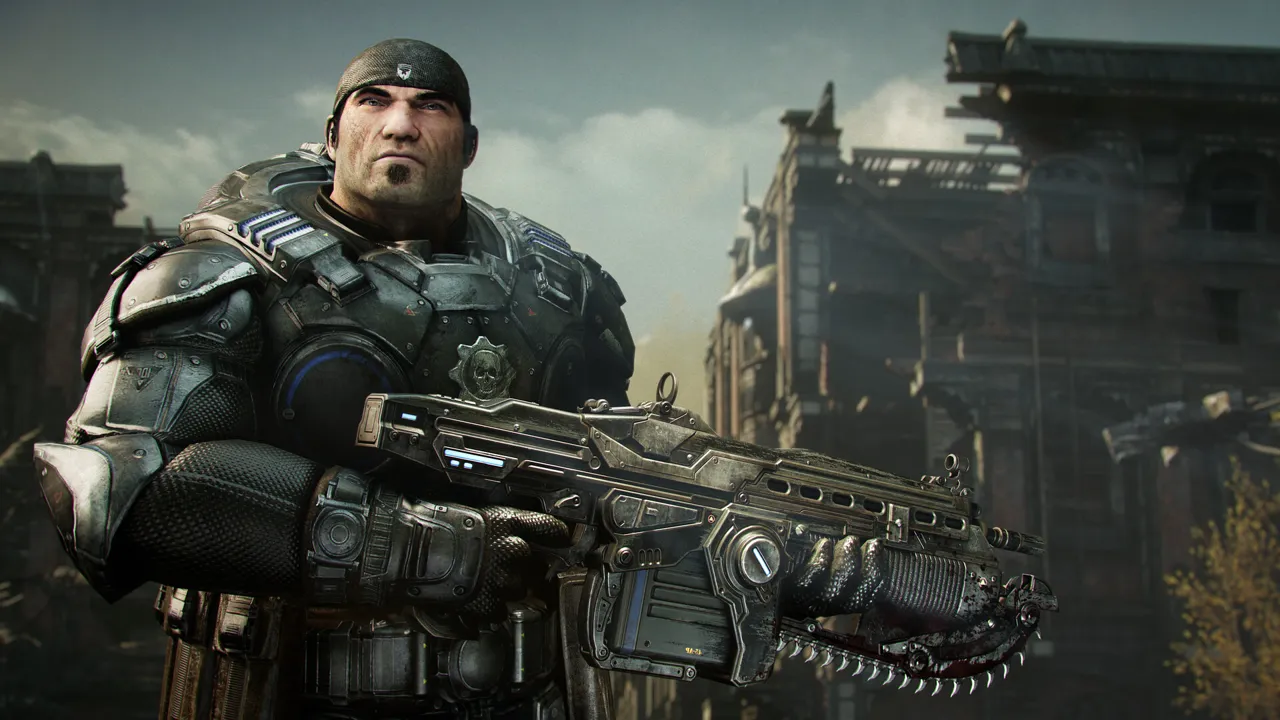
Which upscaler should I use: DLSS, FSR 4 or XeSS?
The PC version supports DLSS 4.5 on NVIDIA, FSR 4 on AMD, and XeSS 3.0 on Intel, according to Studio Attic Salt's summary of the official announcement. Use DLSS on any RTX card, FSR 4 on RX 7000 and RX 9000 cards, and XeSS on Intel Arc. Keep presets on Quality or Balanced. RTX 50 cards also get Multi Frame Generation. Frame generation works best when you already reach about 60 FPS without it, because it adds a little input lag.
How much VRAM do you need?
VRAM is the main trouble spot. FpsGen, citing Wccftech, notes that 1440p on Ludicrous needed about 10 GB even with low textures, so 8 GB cards such as the RTX 4060 or RTX 3070 can stutter at high settings. On an 8 GB card, drop Textures to Medium or Low, keep Mega Geometry off and lower Reflections.
How do I fix stutter?
- Let the shader compile finish on first launch.
- Turn on Resizable BAR (Smart Access Memory on AMD); Wccftech measured about 6% more FPS.
- Install on a fast SSD, update your GPU driver and close background apps.
- Expect a few short hitches when new areas load, even on fast PCs, as DSOGaming noted.
Not sure the game is worth the download? Read our Gears of War: E-Day budget explainer, check the launch calendar for what's next, and grab freebies on our deals page.
Frequently asked questions
What are the minimum PC requirements for Gears of War: E-Day?
Windows 10 22H2, Ryzen 5 2600X, i7-6850K or i5-10400, 12 GB RAM, and an RTX 5050, RTX 2060, RX 6600 or RX 9060 with 6 GB VRAM, plus 115 GB on an SSD.
Can I play Gears of War: E-Day on a GTX 1660 or GTX 1060?
No. The Steam listing says a hardware ray-tracing capable GPU is required, which GTX cards do not have.
How big is Gears of War: E-Day on PC?
The Steam page lists 115 GB, and an SSD is required.
What are the best settings for Gears of War: E-Day?
Start on High, turn RTX Mega Geometry and Hair Strands off, set Reflections to Medium and use DLSS, FSR 4 or XeSS on Quality. Lower Textures on 8 GB cards.
Related articles
 Forza Horizon 6 PC Requirements: GTX 1650 and 167 GB
 Crimson Desert PC Requirements and Best Settings for FPS
 MW4 PC Requirements: 115GB SSD, TPM 2.0, Secure Boot
 Petit Planet System Requirements and File Size (PC, Mobile)
Gears of War: E-Day on Steam
TechSpot: final PC specs
GameSpot: ray tracing requirement
FpsGen: best PC settings
Images belong to their respective owners and are used for news reporting and commentary.