NieR: Automata Asks for 366GB on Steam: Bug and Easy Fix
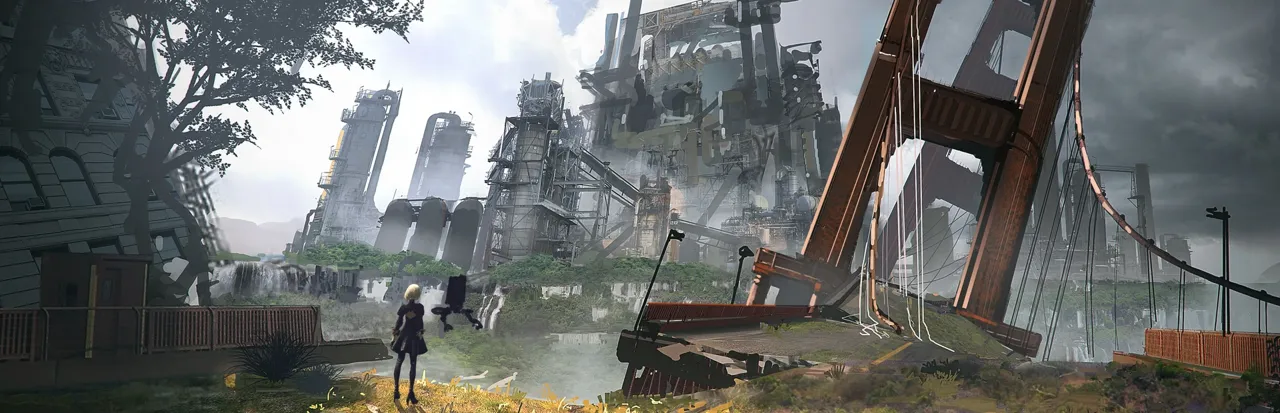
If NieR: Automata suddenly refuses to install on your PC because Steam wants 366.56GB of free space, don't panic: the real game is nowhere near that size. A November 6, 2026 update appears to have broken how Steam counts the game's DLC. Square Enix has acknowledged it and offered a workaround.
Quick summary
- Steam now asks for 366.56GB of free space; the store page still says about 50GB.
- The update only added Simplified Chinese, Traditional Chinese and Korean.
- Eight DLC entries each show roughly 40.73GB, the size of the base game.
- A Japanese test by GameSpark found the finished install uses about 40.7GB.
- Fix: untick the DLC in Steam properties before installing.
Why does NieR: Automata need 366GB?
According to Zero1Gaming's report, after the update every one of the game's eight DLC entries was listed at about 40.73GB, matching the base game. Add those up with the main game and you get the 366.56GB figure. That is the free space Steam requests before installing, not the amount the game occupies.
Square Enix has not confirmed that incorrect DLC size calculations are the cause, and says it is still investigating.
How big is NieR: Automata really?
| Figure | Size | Source |
|---|---|---|
| Steam prompt after the update | 366.56GB | Player reports |
| Steam store listing | About 50GB | Steam page |
| Completed install in a test | About 40.7GB | GameSpark |
How do you fix the NieR: Automata storage error?
Square Enix's temporary workaround, shared on the official NieR account on X, is simple:
- Open your Steam library and right-click NieR: Automata.
- Choose Properties, then DLC.
- Untick the available add-ons.
- Start the download of the base game.
With the DLC disabled, the inflated requirement goes away. You can tick the add-ons again afterwards, though Square Enix hasn't said when a permanent fix will ship, so a later update may change the behavior.
Will this affect already installed copies?
The reports concern new installs and updates where Steam checks free space. The update's only listed changes are the three new languages, so no extra gameplay content is involved. Keep an eye on the official NieR channels for a patch announcement.
Should you wait before updating or installing?
If you already own the game and it works, there is no reason to touch anything. If you are reinstalling, use the DLC-untick workaround rather than deleting other games to make room. Players on small SSDs, such as 256GB laptops, are the most affected because the inflated number exceeds their whole drive. Once a fix lands, Steam should recalculate the DLC sizes automatically and show the normal figure again.
Why do Steam size bugs happen?
Steam builds the free-space estimate from the depot sizes each publisher uploads. If a depot for a DLC is flagged with the wrong manifest, the client can add the base game's size repeatedly. That fits what players saw here, though Square Enix has not confirmed the exact cause.
What it means for PC players
Display bugs like this are a reminder to check real sizes before clearing a drive. For comparison, see how big other releases are in our GTA 6 file size guide, and find cheap games on the deals page.
Frequently asked questions
Does NieR: Automata really need 366GB?
No. Steam's prompt is inflated by a DLC size display issue; a test install used about 40.7GB.
How do I install it despite the error?
In Steam, open Properties, then DLC, untick the add-ons, and download the base game.
What did the November 6 update add?
Only Simplified Chinese, Traditional Chinese and Korean language support, per the official notes.
Has Square Enix fixed it?
Not yet. It apologized and is investigating, with no date for a permanent fix.
Related articles
 Payday 3 Free on Steam Until Nov 9: What You Get, 70% Off Deal
 AC Valhalla New Game+ Update: Mithril, Runes, PS5 Pro PSSR
 BGMI 4.7 Update Release Date in India: Sub-Zero Mode, FeaturesPUBG x IVE Update 44.1: Downtime in India, Rondo Areas, LMG Nerf
Zero1Gaming: NieR: Automata 366GB report
Steam: NieR: Automata
Images belong to their respective owners and are used for news reporting and commentary.