Windows 11 on 8GB RAM Gets Faster: What Microsoft Changed
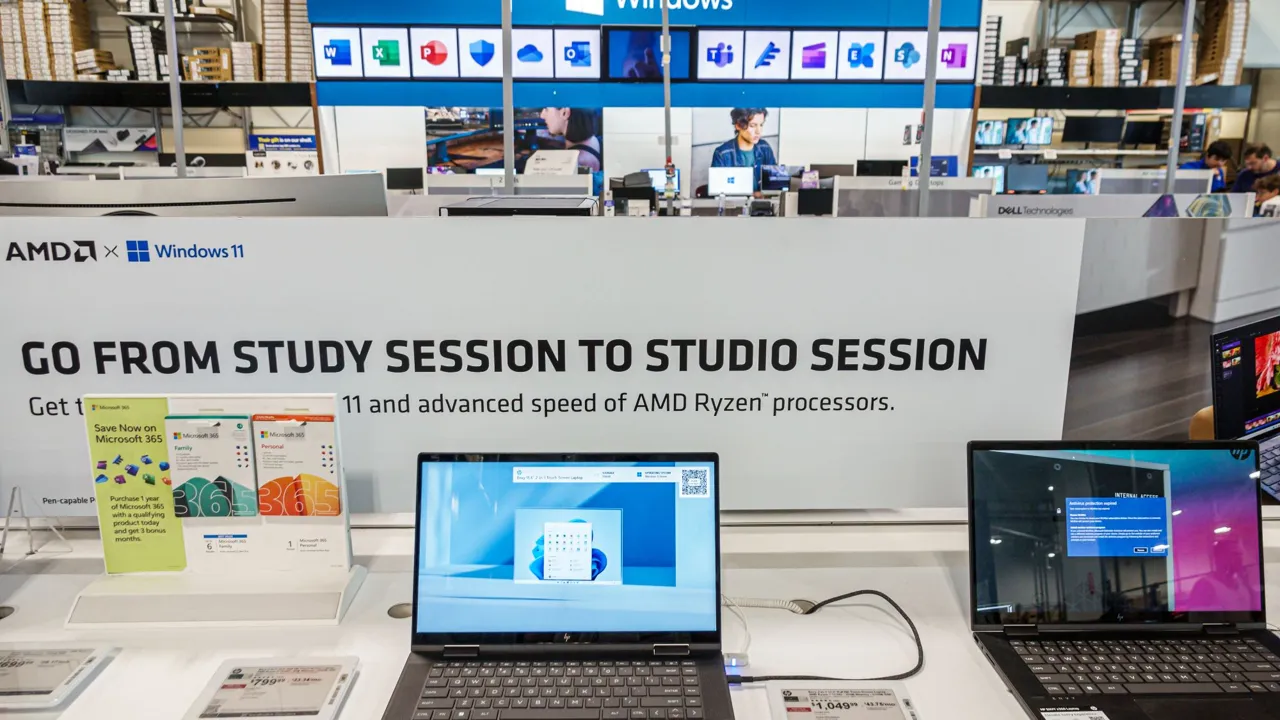
Microsoft says Windows 11 now runs noticeably better on PCs with only 8GB of RAM. In a Windows blog post on November 3, 2026, the company claimed up to 20% better responsiveness and 40% faster multitasking on 8GB machines. The numbers come from Microsoft's own lab tests, so independent testing still has to confirm them.
Quick summary
- Up to 20% more responsive on 8GB PCs (Start, Search, right-click, Settings, Snipping Tool, File Explorer).
- Multitasking up to 40% faster in a heavy test: 20 Edge tabs, a 4K video, large Word, PowerPoint and Excel files, Outlook and File Explorer.
- Windows can keep up to 2GB more active data in memory instead of pushing it to storage.
- Edge opens up to 33% faster; Microsoft 365 apps use up to 360MB less memory.
Why is Microsoft optimising Windows 11 for 8GB now?
The global memory shortage driven by AI demand has pushed RAM prices up, and Tom's Hardware notes that makers have been bringing 8GB laptops back to hit lower prices. Microsoft promised earlier this year to make Windows 11 run well on 8GB; this is its progress report. For the wider picture, see how a leaked roadmap reportedly splits AI PCs into four tiers, starting at 8GB.
What exactly changed in Windows 11?
Microsoft describes three approaches: use memory more efficiently, protect actions that need to feel instant, and make key apps use less. In practice that means tuned memory compression, so tabs and apps you left open are less likely to reload when you return; backing off background work such as indexing while you are actively using the PC; and trimming apps. Microsoft says committed-memory growth in apps like Edge and Microsoft 365 is cut by up to 900MB, and WhatsApp already uses the improved memory management. Microsoft Teams also gets an Efficiency Mode that can be on by default, with launches up to 20% faster.
Is the 40% multitasking claim realistic?
Read it carefully. It comes from one demanding workflow run by Microsoft, not from a typical day, and Tom's Hardware stresses that the gains were measured in favourable conditions and need testing. Forum readers on that article also had trouble finding the 40% figure in older Microsoft posts, which suggests it is new with this announcement. Expect real gains, but not a magic fix.
| Area | Microsoft's claim |
|---|---|
| System responsiveness (8GB) | Up to 20% better |
| Multitasking (8GB) | Up to 40% faster |
| Edge launch | Up to 33% faster |
| Teams (Efficiency Mode) | Launch up to 20% faster |
| Office apps memory | Up to 360MB less |
| Edge/365 committed memory growth | Up to 900MB less |
Is 8GB RAM enough for gaming?
No. Microsoft itself admits you can do more with 16GB or 32GB. The improvements help everyday work like browsing, Office and Teams, not modern games. Steam survey data also shows 32GB has become the most common capacity in gaming PCs even during the shortage. For games, aim for 16GB at minimum, and see our budget gaming PC build guide for India for current prices.
What is coming next?
Microsoft says it plans smarter memory compression, shared components between Windows features (Search and Widgets using one web engine), lighter WinUI 3 apps such as File Explorer and Notepad, and work with PC and chip makers to reduce the memory reserved for hardware. No dates were given.
Should you buy an 8GB laptop?
If you only browse and use Office, 8GB with these changes is workable. If you game, edit video or keep dozens of tabs open, choose 16GB, and check whether the RAM is upgradable, since many laptops now solder it. Keep an eye on our deals page for discounts.
Frequently asked questions
How much faster is Windows 11 on 8GB RAM?
Microsoft claims up to 20% more responsive and up to 40% faster multitasking in its own lab tests.
How do I get the Windows 11 8GB improvements?
Microsoft's post covers what is improved and how to get it; the changes arrive through Windows and app updates.
Is 8GB RAM enough for Windows 11 in 2026?
For light use yes, and it is better now, but Microsoft says 16GB or 32GB lets you do more.
Do these changes help gaming?
They target everyday responsiveness and multitasking, not game performance, and 8GB is still too little for most new games.
Related articles
 DirectX Ray Tracing Cuts Memory 90%: What It Really Means
 Microsoft Windows AI PC Roadmap Leak: 4 Tiers, 8GB to 512GBIntel Stock Plunges 29%: What the PC Slump Means for Gamers
 NVIDIA RTX Spark Laptops: Price, Specs and Gaming Performance Explained
Tom's Hardware
Windows Experience Blog
Images belong to their respective owners and are used for news reporting and commentary.